
The official JKPaySys guide lists 19 types of bills under “Step By Step Advice for Various Bills”. Bills follow the same basic path: the DDO Maker prepares the bill, the DDO Checker approves it, and it goes to the treasury.
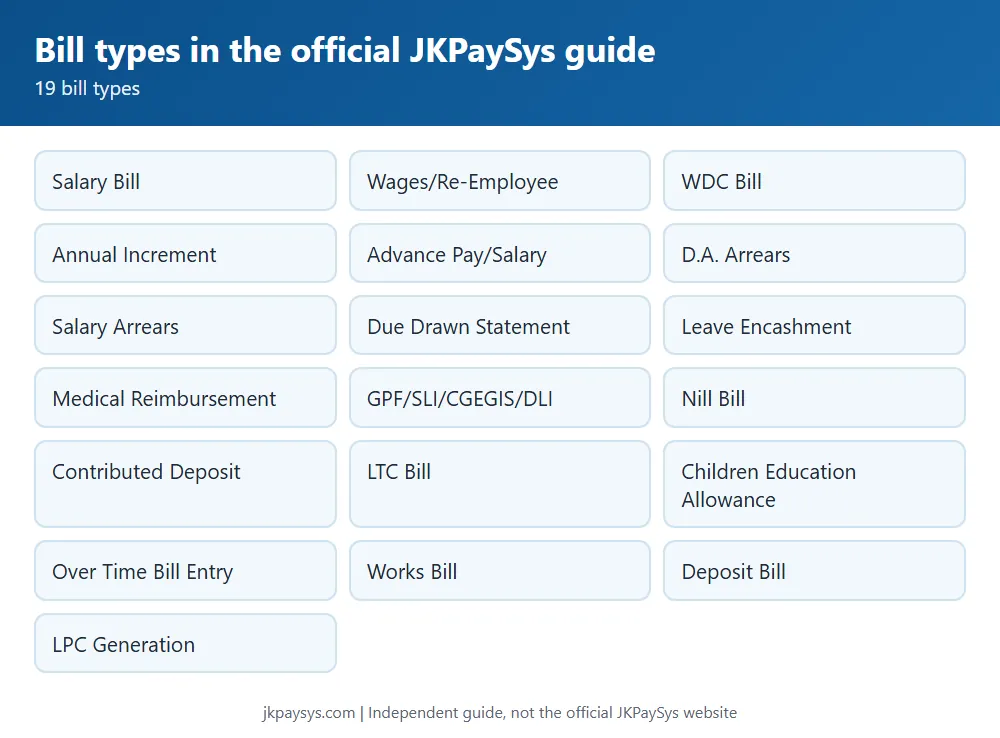
Bills covered in the official guide
- Salary Bill
- Wages/Re-Employee Bill
- WDC Bill
- Annual Increment
- Advance Pay/Salary
- D.A. Arrears
- Salary Arrears
- Due Drawn Statement
- Leave Encashment
- Medical Reimbursement
- GPF/SLI/CGEGIS/DLI Bills
- Nill Bill
- Contributed Deposit Bill
- Leave Travel Concession Bill
- Children Education Allowance Bill
- Over Time Bill Entry
- Works Bill
- Deposit Bill
- LPC Generation
How a bill moves
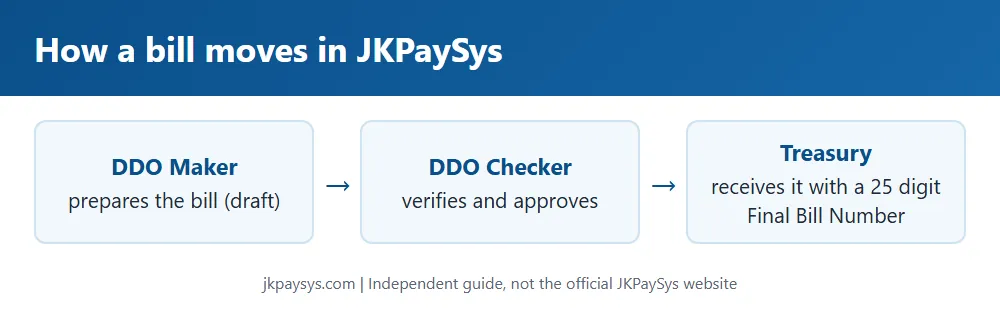
A bill sent from Maker to Checker is a draft. Once the Checker verifies it and sends it to the treasury, it gets a 25-digit Final Bill Number. Both Maker and Checker can see the bill status on the dashboard. A bill rejected by the Checker shows under Rejected Bills with the reason. If the treasury rejects it, the Maker first clicks Fetch Payment Details under Quick Links on the dashboard, then the Update Fetch TV Details, Fetch Rejected Bills and Fetch Manual Bills links. The bills then appear under Bill Processing, Rejected Bill.
Salary bill: first steps
- Make sure all employee details are in CPIS and the DDO codes in CPIS and JKPaySys match.
- Update and verify Form 1 and Form 2 (A and B) in CPIS before porting employees.
- Under Master, Group Master, create bill categories and map the right budget authority to each.
- Check the budget under Report, Budget Control Register, and use Fetch Budget Details on the dashboard.
- Open Master, Employee Info, and fetch employees by CPIS ID or with Fetch CPIS Bulk Data.
Steps for most of these bill types are in the Paysys Advisor/User Guide PDF on jkpaysys.gov.in. For GPF, SLI and NPS challans, see our e-Challan guide.