
Employees of the Jammu and Kashmir government can see their monthly salary details in the Mera Vetan app. The official JKPaySys site, jkpaysys.gov.in, says employees can download and install the app to know their monthly salary details, and gives a download link for Android.
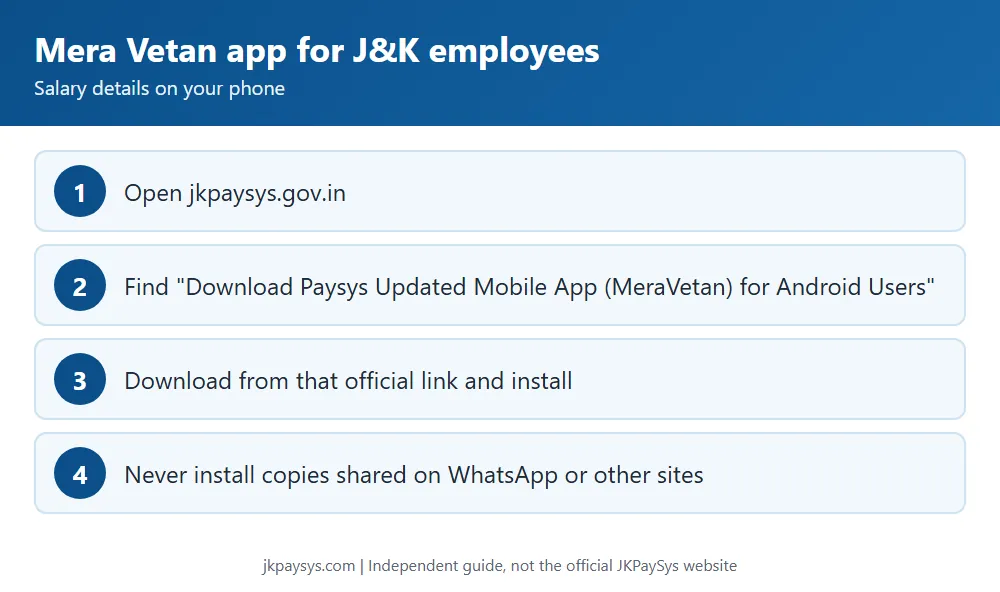
How to get the Mera Vetan app
- Open jkpaysys.gov.in.
- Find “Download Paysys Updated Mobile App(MeraVetan) for Android Users” on the home page.
- Use that link to download the app, and install it on your Android phone.
Only use the link on the official site. Apps or APK files shared on WhatsApp or other websites can be fake.
Where your salary details come from
Your salary is prepared by your DDO in JKPaySys. Your DDO brings your details into JKPaySys from CPIS, then checks your bank branch code, account number, PAN, HRA entitlement, city class and GPF number in the Salary details tab. If something looks wrong, ask your DDO to check your CPIS and JKPaySys details.
What a DDO checks for each employee
- Branch code and account number, confirmed with the employee
- PAN number
- HRA entitlement and class of city
- GPF number (the form has a field for it for NPS employees too)
- Employee status: active, or inactive with the date if retired, transferred, dead or a duplicate
Who to contact
Start with your DDO. For portal issues, the JKPaySys helpdesk is on 0191-2520582, 2571800 and 2571900, Monday to Saturday, 9:30 am to 5:30 pm, and support-jkpaysys@jk.gov.in. More in our helpdesk guide.
Frequently asked questions
Is Mera Vetan an official app? The official JKPaySys site links to it as the updated PaySys mobile app for Android users.
Is there an iPhone version? The official site only mentions Android.
My salary details are wrong. What do I do? Ask your DDO to check your CPIS and JKPaySys records, as salary bills use that data.
Next: Know Your CPIS ID guide and JKPaySys login guide.