
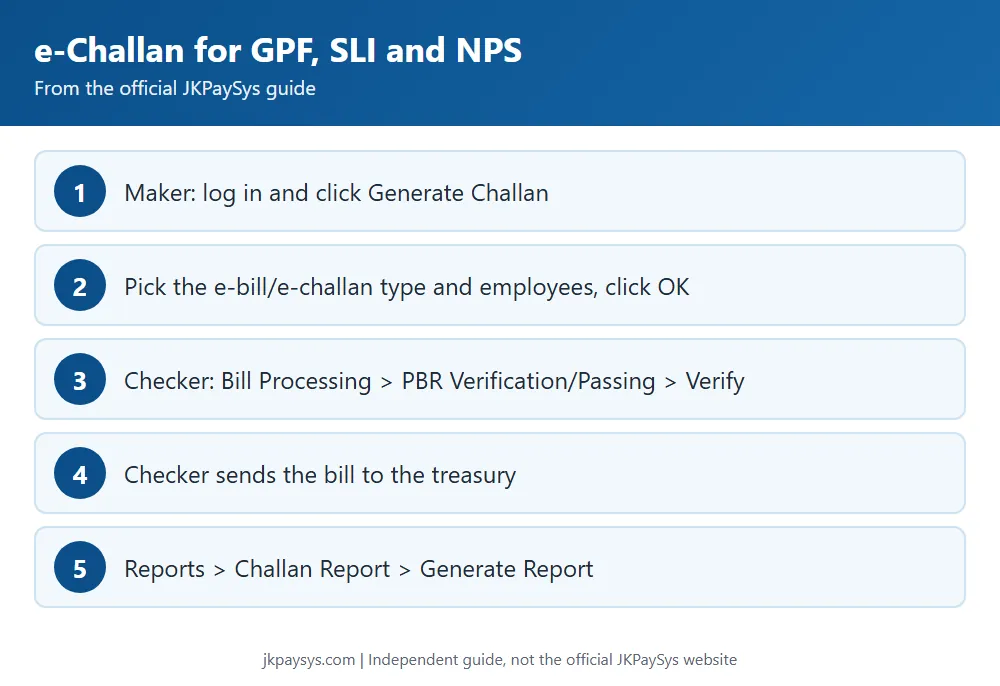
The official guide explains how to generate e-Bills and e-Challans for GPF, SLI and NPS in JKPaySys. It shows the Maker creating the challan and the Checker verifying it and sending it to the treasury.
Maker login
- Log in with your PAO code and password, as the official guide shows.
- Click Generate Challan.
- Select the type of e-bill or e-challan from the 3 options and click Show.
- Select all employees or a single employee.
- Click OK, then log out of the Maker login.
Checker login
- Go to Bill Processing and click PBR Verification/Passing.
- Click Verify.
- Click OK. The Checker can now send the bill to the treasury.
Challan report
- Go to Reports and click Challan Report.
- Select Draft or Final and the bill number.
- Click Generate Report.
The report can be viewed in both the Maker and Checker logins.
The official PDF with screenshots is titled “Process to Generate a e-Bill/e-Challan in jkpaysys application for GPF/SLI/NPS”. See also our bill types guide.